
INCAZ is an open-source desktop tool for automotive ECU measurement, calibration, recording, and flash programming over XCP on Ethernet. It follows the familiar calibration workflow—database, A2L project, HEX data set, hardware configuration, experiment, recording, and flashing—without a license server.
Who this guide is for
INCAZ is aimed at automotive hobbyists, technicians, calibration engineers, and professional development teams who work with XCP-on-Ethernet ECUs. It is especially useful when you need a transparent workflow for inspecting an A2L, measuring a live ECU, editing a calibration value, recording MF4 data, or programming a known HEX data set.
Core capabilities
- A2L projects: ASAP2 parsing for measurements, characteristics, axes, conversions, layouts, groups/functions, memory segments, XCP transport information, and DAQ events.
- HEX data sets: Intel HEX files for offline calibration and XCP programming.
- Measurement: XCP over UDP or TCP, using slave-driven DAQ rasters or cyclic master polling.
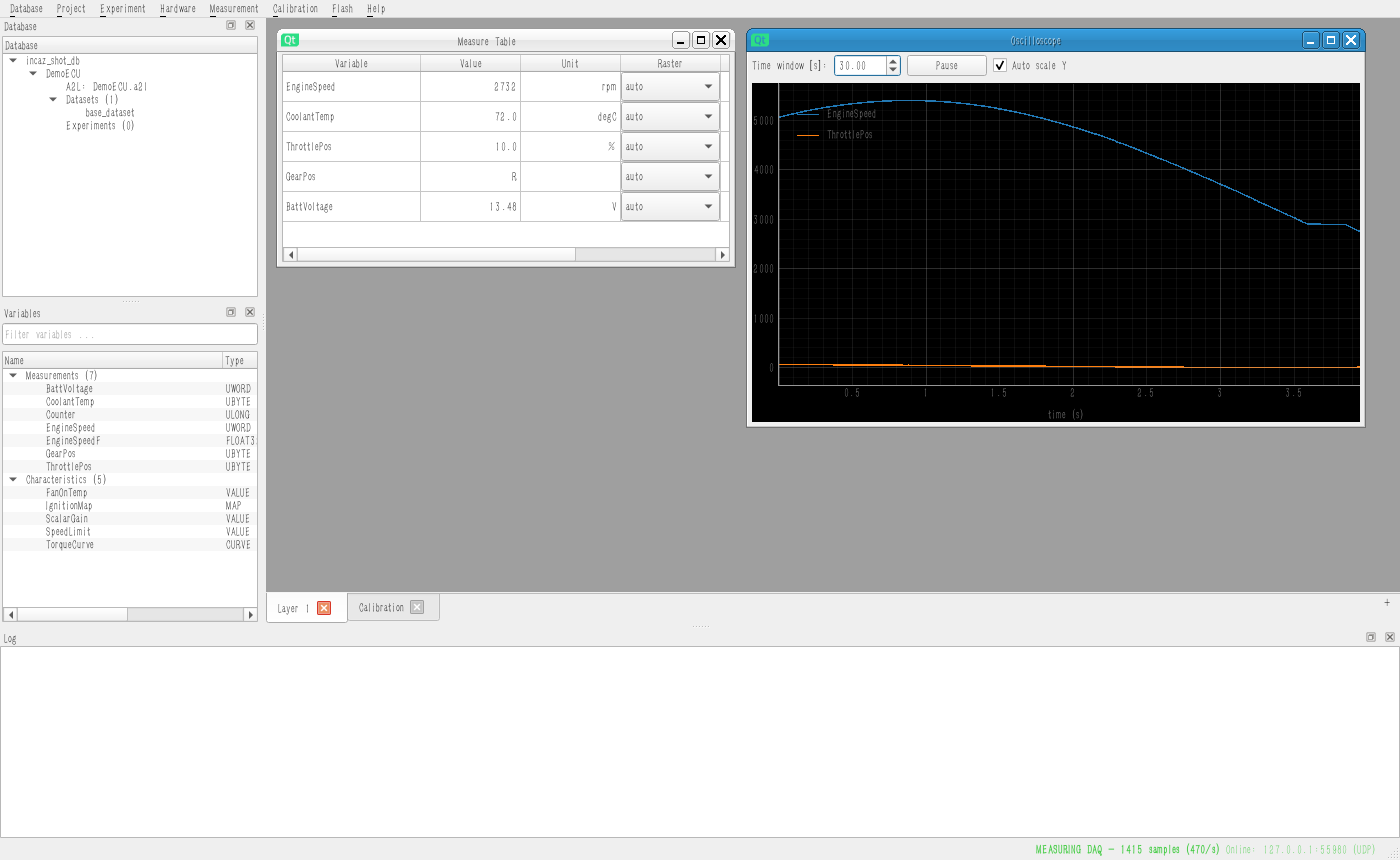
- Experiments: layered workspaces with measure tables, oscilloscopes, calibration editors, saved layout, and per-variable raster assignment.
- MF4 recording: ASAM MDF 4.10 output with one acquisition group per measurement raster.
- Calibration and flash: online ECU working-page edits, offline HEX edits, and configurable XCP PGM/ProF flash operations.
- Demo ECU: a bundled simulated XCP slave lets you explore the full workflow without any physical ECU.
Read this documentation in order
Start with installation and the no-hardware demo. Then learn how the database holds A2L, HEX, hardware, and experiments; choose the correct measurement mode; build an experiment; calibrate safely; and finally use the flashing workflow only with a validated target and image.
Project status and safe use
INCAZ is currently alpha software. Use the demo ECU to learn the interface. On a real ECU, begin with read-only measurement, use a backed-up data set, validate connection and page state, and perform flashing only under a controlled test procedure. Do not use an experimental flash workflow on a safety-critical vehicle or production ECU without the required engineering validation.